Seedream 5Professional AI image generation for polished visual work
Use Seedream 5 to produce campaign visuals, stylized illustrations, concept scenes, product imagery, and reference-based edits with one streamlined creation workflow.
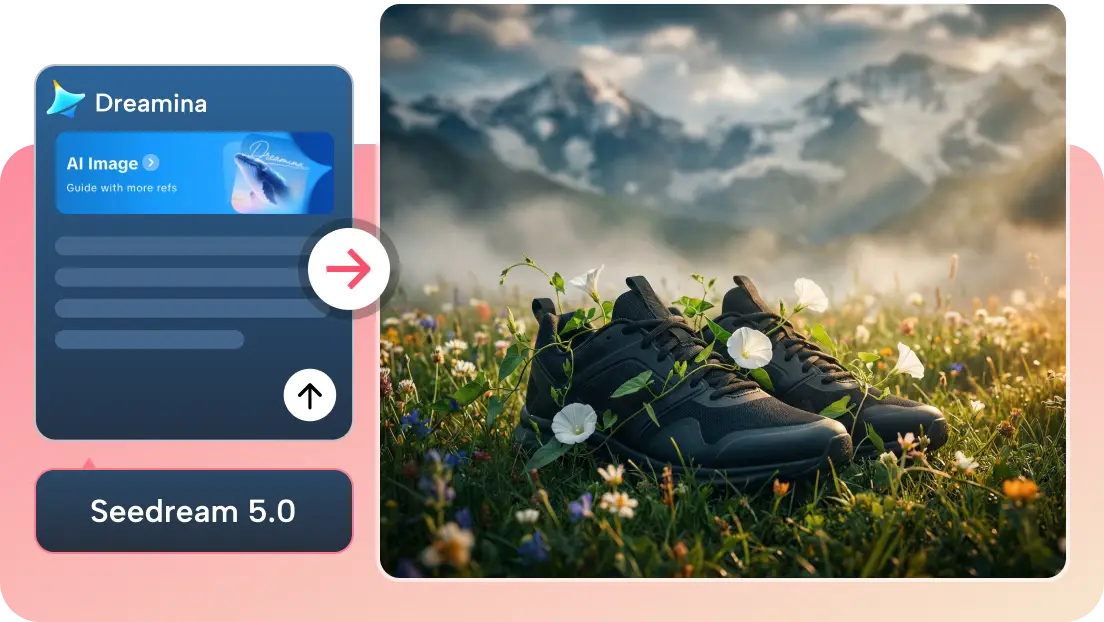
Text to image and image to image in one unified generator.
Square, portrait, landscape and cinematic formats supported.
Switch to high quality output when you need sharper image detail.
Upload up to fourteen references for richer guided edits and multi-image transformations.
What is Seedream 5?
Seedream 5 is an advanced image model designed for high-quality visual generation and controlled image transformation. It fits creative workflows where clean detail, strong composition, and visually coherent outputs matter.
Use it to develop key visuals from prompts, restyle reference images, explore poster concepts, iterate on product scenes, or turn rough ideas into presentation-ready imagery with a faster creative loop.
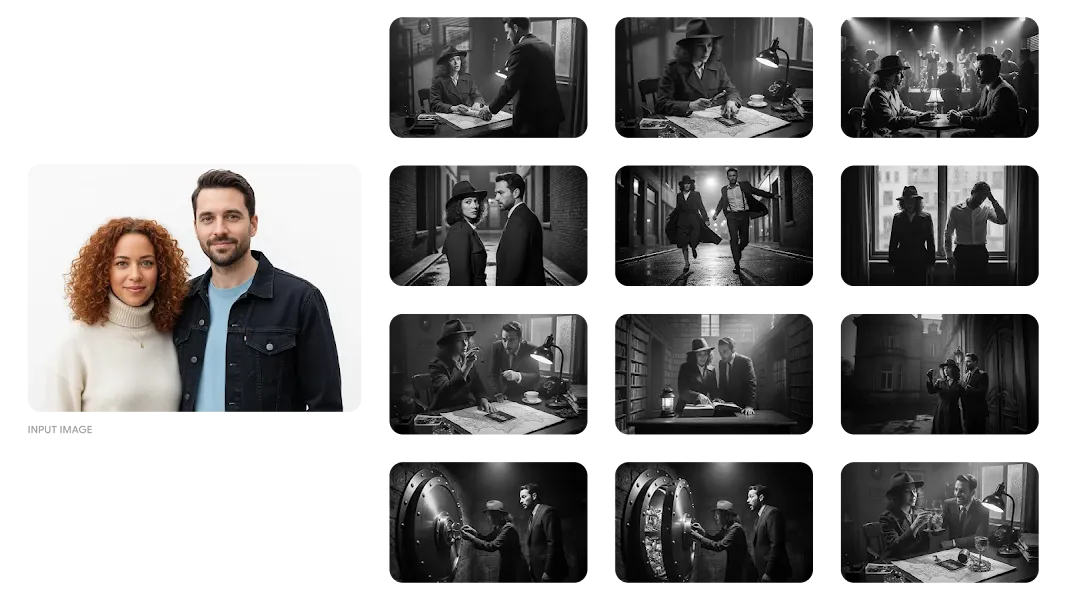
How Seedream 5 works
Turn a loose concept into a polished visual in three simple steps.
Set your creative direction
Choose text-to-image to build a new concept from scratch, or switch to image-to-image when you want to guide the result with references.
Describe the target result
Define the scene, styling, lighting, composition, materials, or transformation goal so Seedream 5 has a clearer creative target.
Generate, review, and export
Run the task, compare the visual result against your intention, and download the final image once it reaches the quality you need.
Why use Seedream 5
Built for creators who need stronger visual quality, better editing guidance, and more dependable outputs across commercial and design-oriented use cases.
High-fidelity visual output
Generate images with cleaner detail, more polished surfaces, and stronger overall presentation quality for professional-looking results.
Strong for posters and marketing visuals
Use Seedream 5 for promotional graphics, campaign concepts, landing page imagery, and product storytelling assets that need clear visual impact.
Reference-guided image editing
Upload one or more images to guide transformations, restyling, composition changes, or visual refinements while keeping stronger control over the result.
Fits diverse creative formats
Work in square, portrait, landscape, or cinematic layouts for social creative, ads, cover art, editorial visuals, and presentation graphics.
Fast ideation to polished delivery
Start quickly in Basic mode for iteration, then switch to High quality when you need sharper 3K results for final-facing output.
One workflow for generation and editing
Move between text-to-image and image-to-image inside one streamlined interface, keeping prompts, aspect ratios, and quality controls consistent.
Professional Seedream 5 use cases
Seedream 5 is especially effective for commercial visuals, reference-guided editing, and high-aesthetic concept exploration.
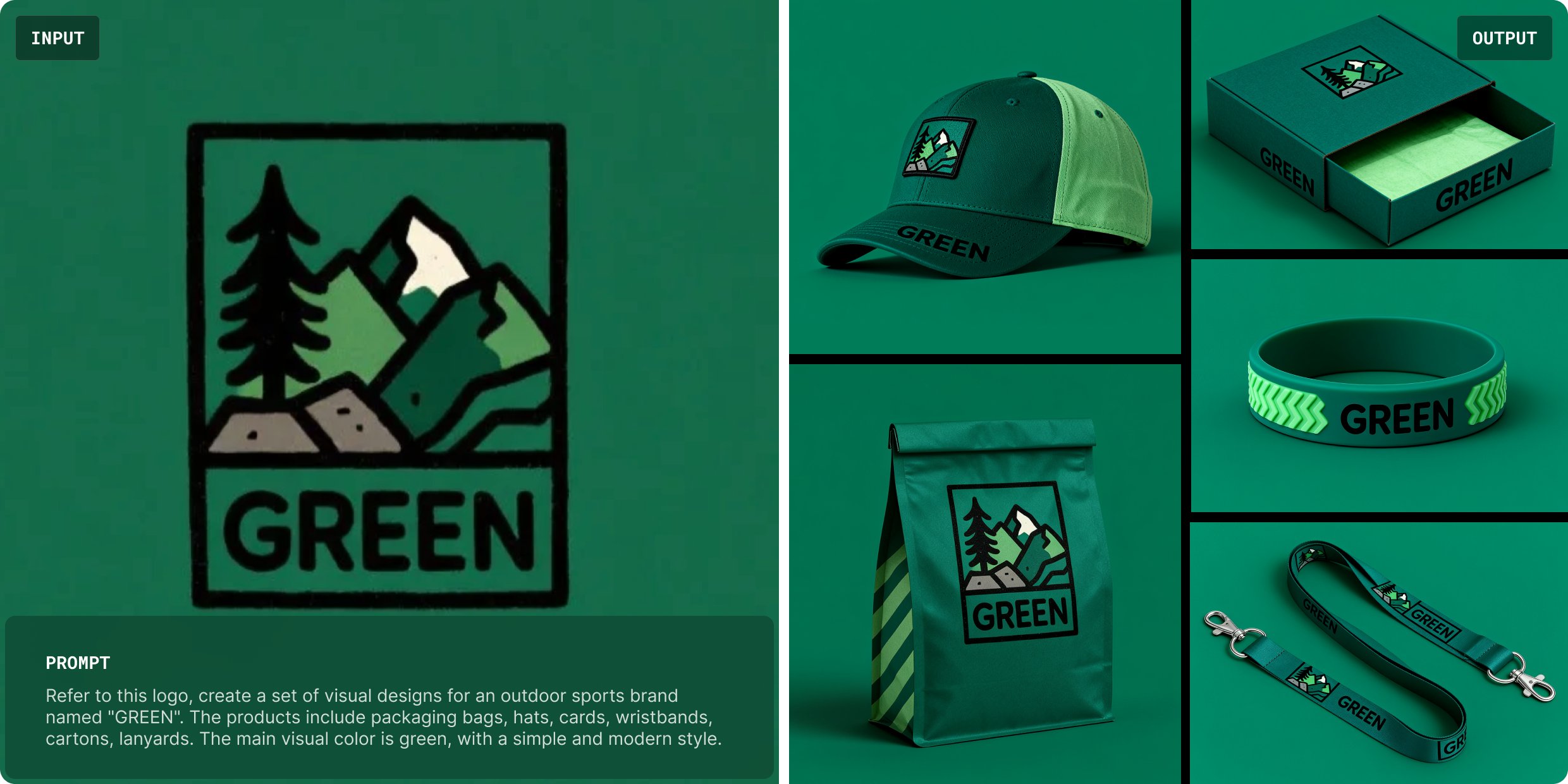
Campaign visuals and brand storytelling
Build posters, online ads, hero banners, and promotional graphics with clearer composition, stronger visual hierarchy, and more polished presentation quality.
.jpeg)
Product scenes and e-commerce imagery
Create product photos, packaging variations, and lifestyle visuals with stronger consistency across angles, surfaces, lighting, and branding direction.
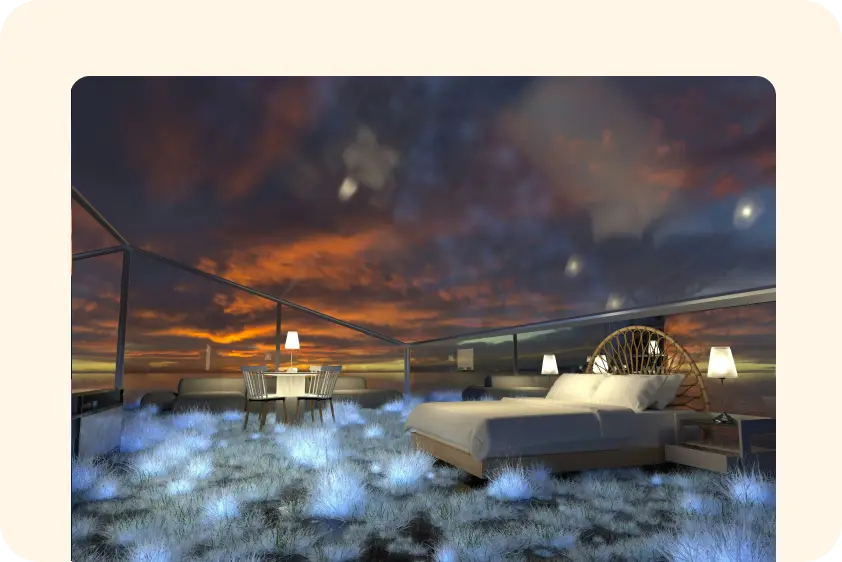
Concept development and style exploration
Explore art direction, mood boards, scene styling, and visual experimentation faster with more stable aesthetics and better prompt understanding.
Seedream 5 FAQ
Helpful answers about Seedream 5 capabilities and creative use on this page.